The Corrective Actions table allows you to monitor key aspects of all corrective actions at once. The table shows the status, date created, date closed, date due, facility, assignee email address, inspection date, and violation category for each corrective action.
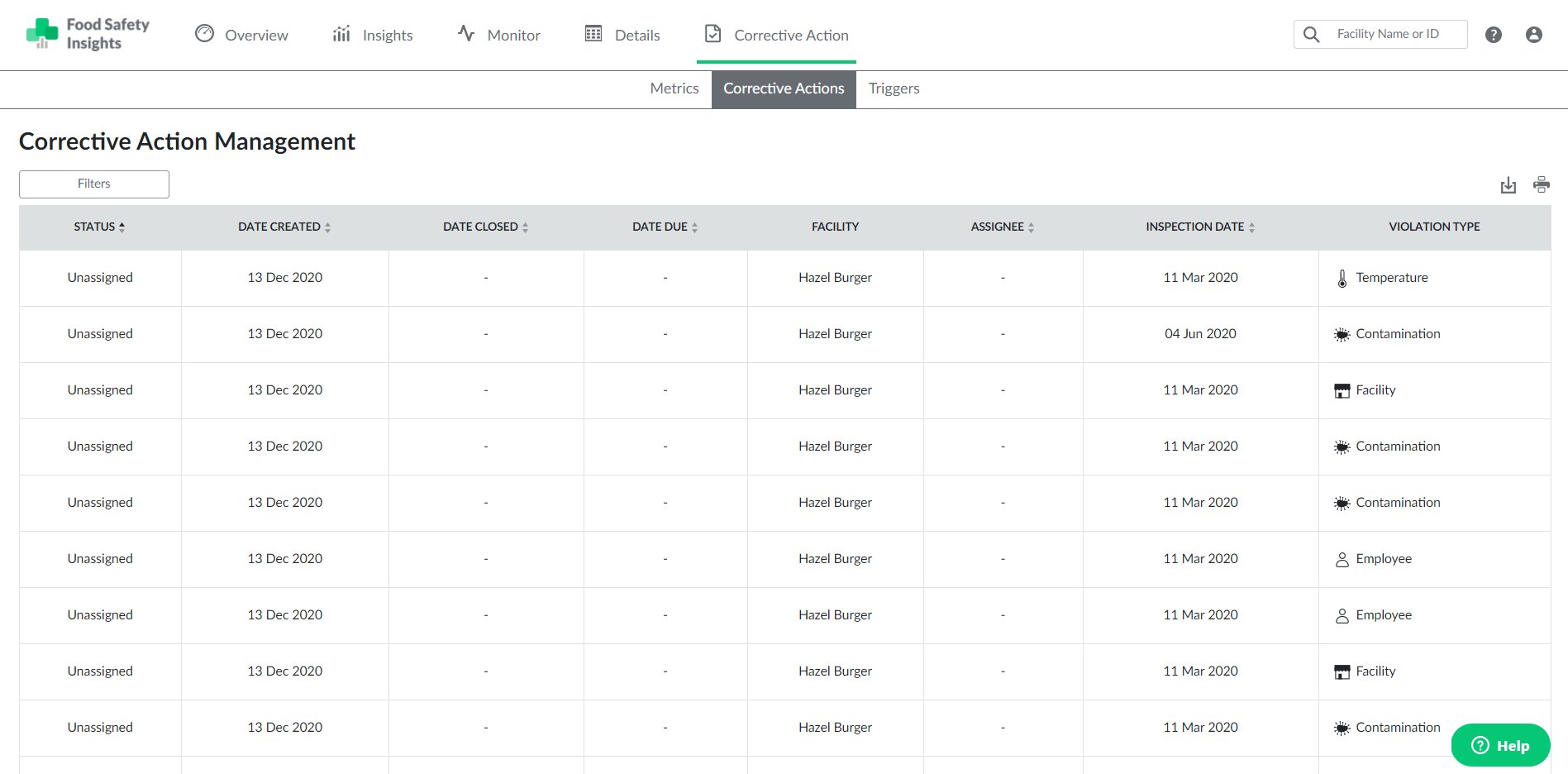
Additionally, by selecting the "Filters" button at the top left of the table, you can sort and view specific corrective actions by applying one or more of the available filters.