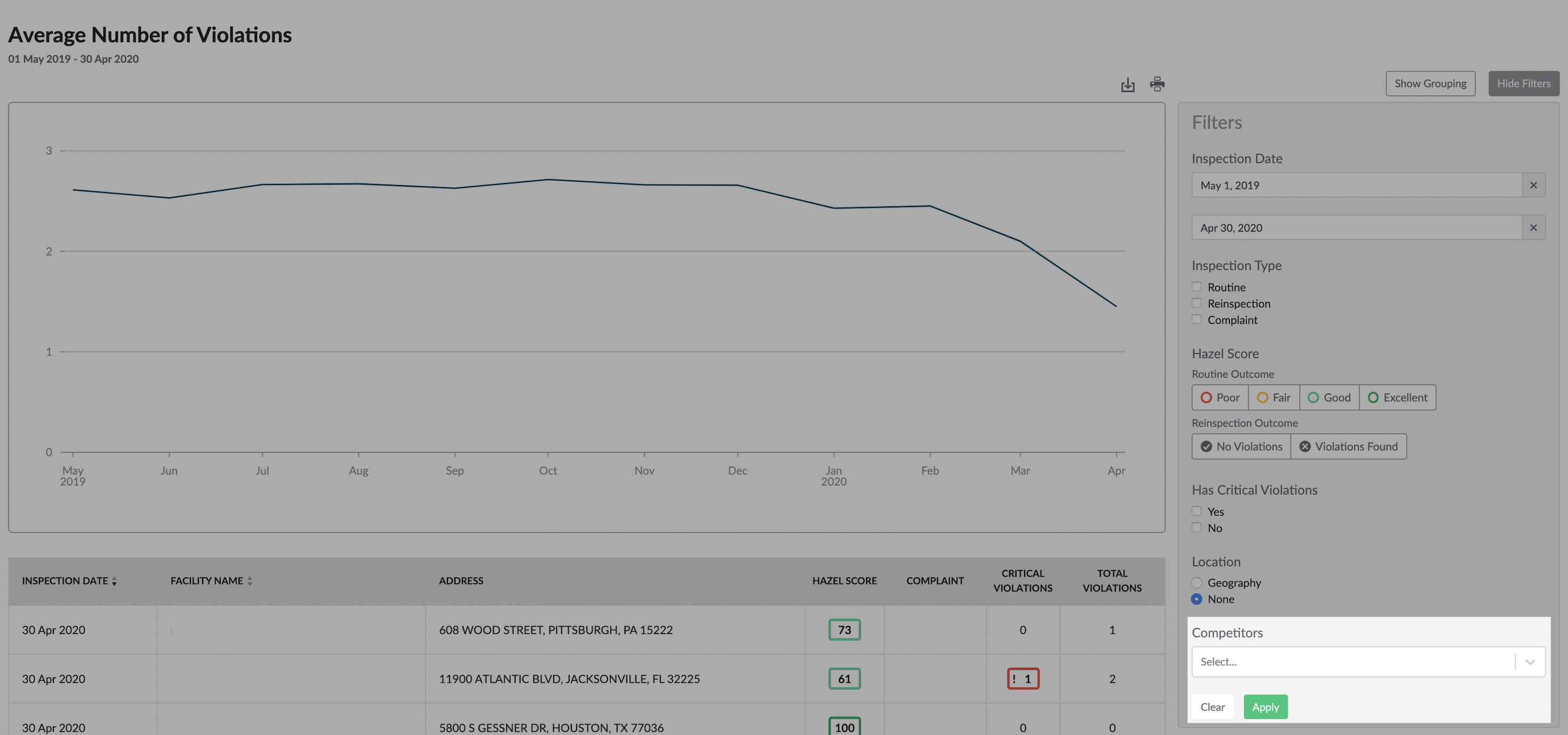
You can add competitor data series in the Filter Panel for each Insights chart. The data series that is shown is the aggregate of all the competitors that have been configured for your brand in the legacy platform.
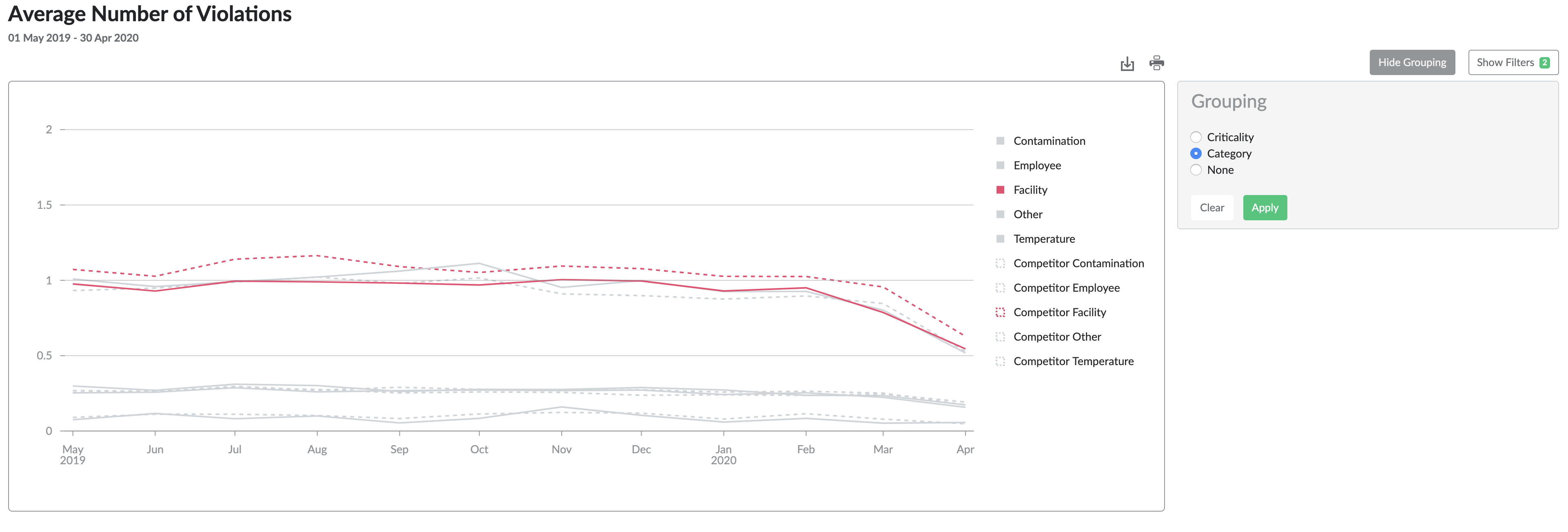
Competitor data series are shown as dashed lines, and can be toggled on/off by clicking the legend entry just like a normal data series. All filters and groupings are applied to competitor data series as well.
Note that filtering by custom hierarchy is not available when competitor data is added, because custom hierarchy information is unique to your brand.